Bayer 转换
拜耳图案是用于从单个传感器捕获颜色信息的一种彩色图像编码格式。
具有特定布局的滤色片放置在传感器的前面,使得一些像素仅接收红光,而其他像素仅接收绿光或蓝光。该过滤器也称为 彩色滤波数组 或 CFA。
由拜耳图案编码的图像具有与灰度图像相同的格式,并表达三倍以下的信息。真正的水平和垂直分辨率小于真彩色图像的分辨率。
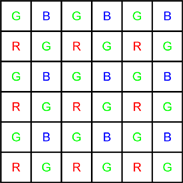
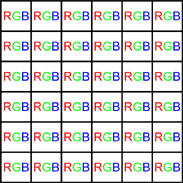
拜耳与真彩色格式
- Bayer模式通常从左上角的GB/RG块开始。
- 如果图像被裁剪,该奇偶校验规则可能会丢失。
- 在ROI上工作时,无需进行奇偶校验调整 Open eVision 。
The Bayer conversion method EasyColor.BayerToC24 transforms an image captured using the Bayer pattern and stored as a gray-level image, into a true color image. 这个过程也被称为 去马赛克。
与灰度级输入图像一起,Bayer 配置是必需的。
Bayer 图案有4种不同的排列方式,由图像第一行的前2个像素定义:

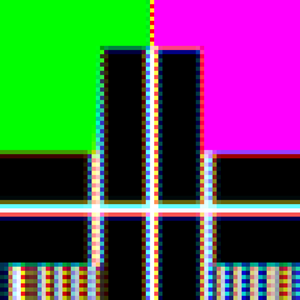
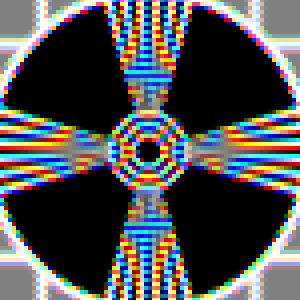
有几种方法可以用来重建丢失的像素。
| □ | 有些速度很快,但产生的图像可能有瑕疵,如拉链效应或颜色混叠。 |
| □ | 有些速度较慢,但插值效果更好,产生的瑕疵更少。 |
插值模式
给出了在单核Intel I7-6600U CPU上转换1280 x 720图像的帧率。
| ● | 模式0 |
| □ | 无插值 |
| □ | 帧率:943 |
| ● | 模式1 |
| □ | 3x3核上的线性插值 |
| □ | 帧率:2159 |
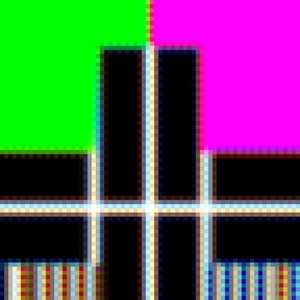
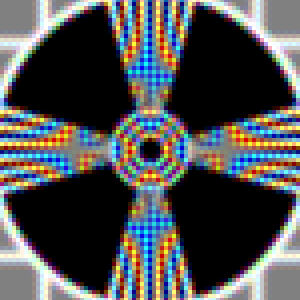
| ● | 模式2 |
| □ | 3x3核上的高级插值 |
| □ | 帧率:1303 |
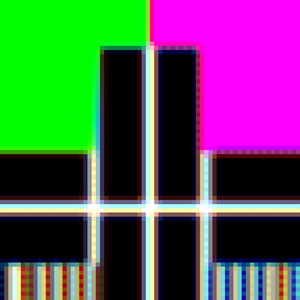
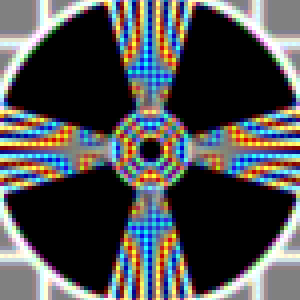
| ● | 模式3 |
| □ | 5x5核上的插值 |
| □ | 帧率:449 |
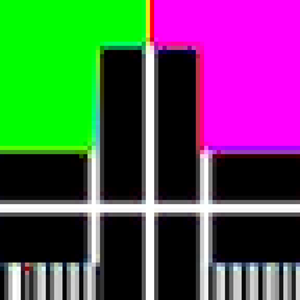
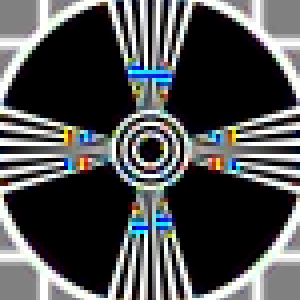
| ● | 模式4 |
| □ | 9x9核上的插值 |
| □ | 帧率:22 |
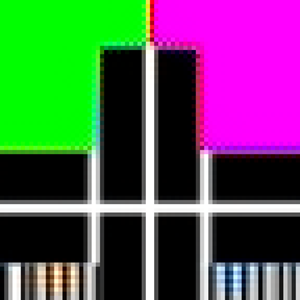
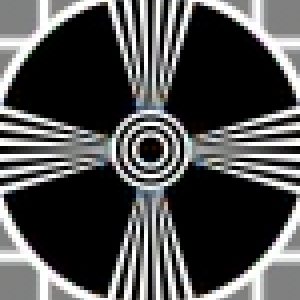
| ● | Mode 5 |
| □ | Linear interpolation on 2x2 kernel |
| □ | Frame rate: 950 |
The method EasyColor.C24ToBayer is the reciprocal function of EasyColor.BayerToC24. 它使用给定的 将RGB彩色像素图像转换为 Bayer 图像。
A Bayer encoded image is not compatible with a true color image (EC24), but you can apply white balance and gamma correction with the EColorLookup parameter in EasyColor.TransformBayer.